What Is a Tron Transaction and Why Check It
A Tron transaction is a record of TRX or TRC20 token movement (such as USDT) on the Tron blockchain. Each transaction has a unique hash, sender address, recipient address, amount, timestamp, and status. Unlike traditional bank transfers, Tron transactions are immutable and publicly visible on the blockchain. Checking a Tron transaction means verifying these details to confirm the transfer occurred and to assess whether the funds are legitimate. Risk screening is critical because Tron's low fees and speed have made it attractive for both legitimate users and bad actors. Receiving coins tied to theft, sanctions violations, or darknet markets can trigger exchange freezes, account bans, or legal complications. A Tron address check reveals the transaction history and associated risk score, helping you decide whether to accept the transfer.
How to Check a Tron Address Using a Block Explorer
The most direct way to check a Tron transaction is via a block explorer. Follow these steps:
- Go to a Tron block explorer (such as Tronscan or similar public explorers).
- Paste the transaction hash (a 64-character string starting with 0x) into the search bar.
- Review the transaction details: sender address, recipient address, amount, timestamp, and confirmation status.
- Check the sender's wallet address history by clicking on it to see past transactions and total balance.
- Look for red flags: rapid transfers to multiple addresses, recent large inflows from suspicious sources, or patterns consistent with mixing services.
This manual check confirms the transaction occurred and shows the wallet's transaction history. However, a block explorer does not automatically flag tainted coins or sanctions exposure. For a complete AML check of the Tron address, you need a dedicated risk screening service that cross-references the address against sanctions lists, theft databases, and darknet market activity.
How to Check Tron Wallet Balance and Transaction History
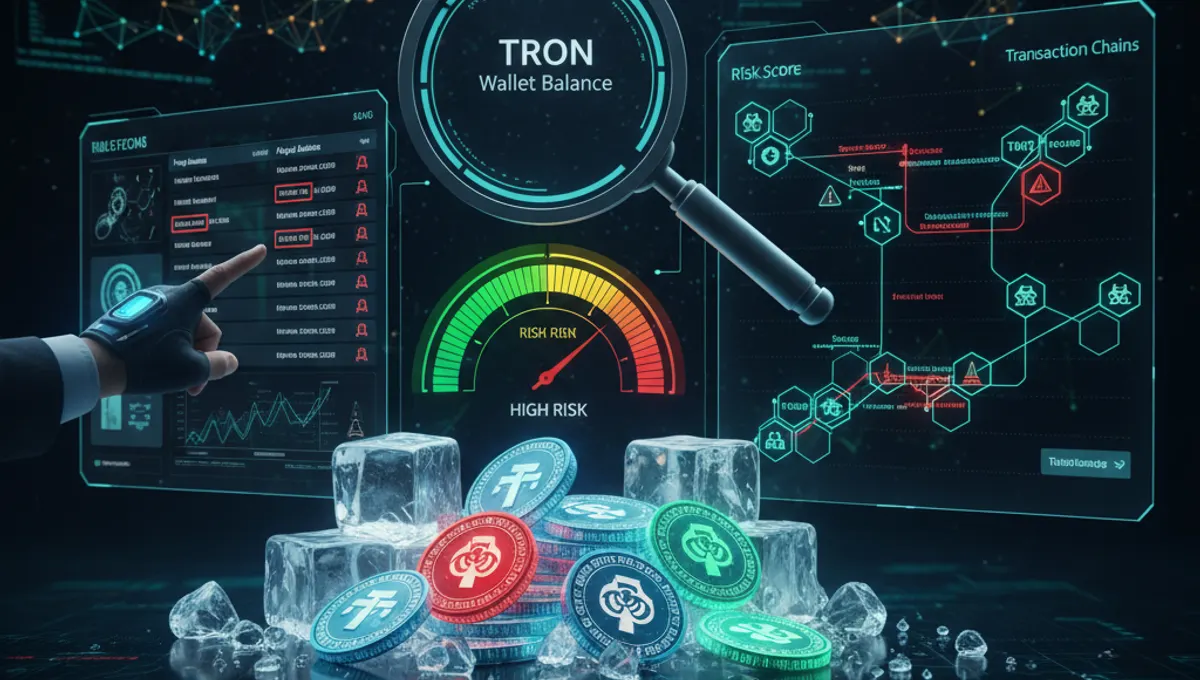
To check a Tron wallet address balance and full transaction history, use a block explorer or your Tron wallet app. In a block explorer, search the wallet address (starting with T) to see:
- Current TRX balance
- All TRC20 tokens held (including USDT)
- Complete list of incoming and outgoing transactions
- Total transaction count and first activity date
Wallet age and activity patterns matter for risk assessment. A wallet created yesterday and receiving a large transfer from an unknown source is higher risk than an established wallet with consistent, transparent history. If you receive USDT or TRX from a new or dormant wallet, or if the sender's address shows signs of mixing (rapid transfers to many addresses), request clarification or decline the transfer. Many exchanges now require wallet screening before deposits to prevent receiving frozen or flagged funds.
AML Check for Tron: Understanding Risk Scores and Flags
An AML check for Tron screens the wallet address against multiple risk categories:
- Sanctions lists: addresses linked to sanctioned entities or jurisdictions
- Theft databases: coins reported as stolen or part of exchange hacks
- Darknet exposure: addresses that have received funds from darknet markets or mixing services
- Scam reports: addresses flagged by victims or security researchers
- Gambling and high-risk services: some compliance frameworks flag gambling-linked addresses
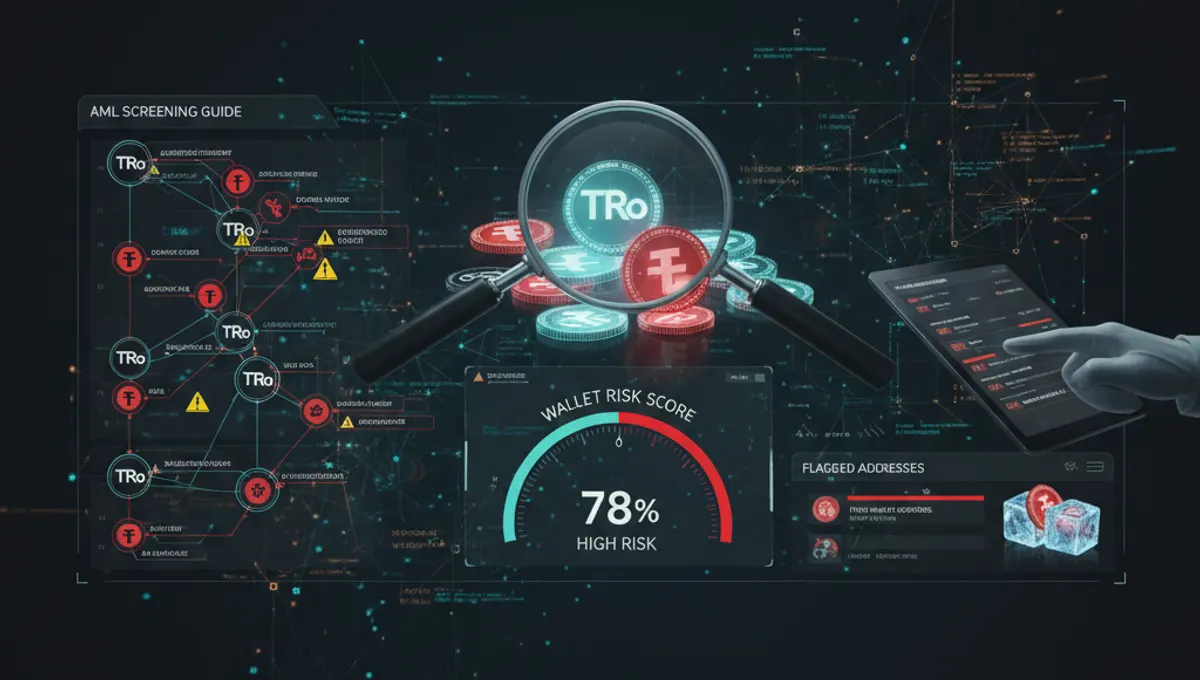
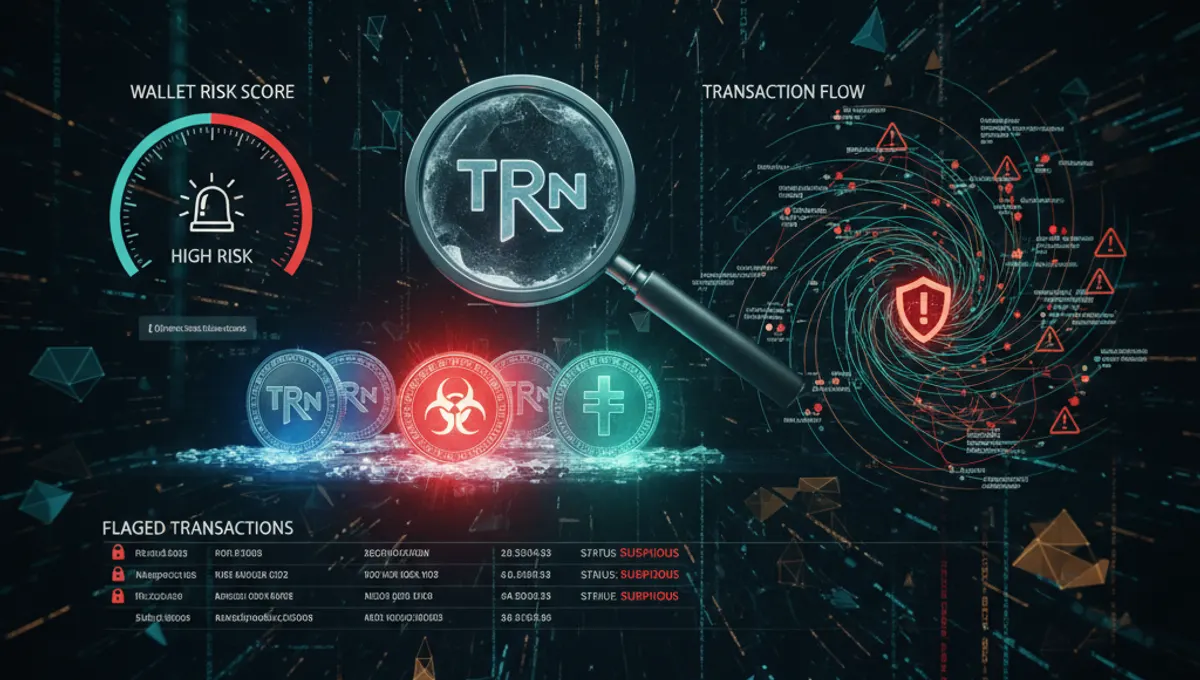
Risk scores typically range from low (0–20%) to medium (20–50%) to high (50%+). A low-risk Tron address has clean history, no sanctions exposure, and no theft or darknet links. A high-risk address may have received funds from a mixer, been flagged in a theft report, or shown patterns consistent with money laundering. Before accepting a large USDT or TRX transfer, check the sender's address through a trusted AML service. Our curated list of verified AML services on this site includes tools that screen Tron addresses and provide detailed risk reports, making it the safest starting point for wallet screening.
Step-by-Step: How to Screen a Tron Address Before Receiving Funds
Follow this process before accepting a significant TRX or USDT transfer:
- Request the sender's Tron wallet address (starting with T).
- Copy the address and paste it into a block explorer to verify recent activity and balance.
- Look for red flags: new wallet, rapid transfers, or activity from known-risky sources.
- Use an AML screening service to check the address for sanctions, theft, and darknet exposure.
- Review the risk score and any flags or alerts provided by the service.
- If the risk score is low (under 20%) and no major flags appear, the address is likely safe.
- If the risk score is medium to high (20%+) or flags appear, ask the sender for clarification or decline the transfer.
- Document the screening result for your compliance records.
This workflow takes 5–10 minutes and protects you from receiving frozen or tainted coins. Exchanges increasingly monitor incoming deposits and may freeze accounts that receive flagged funds, even if you were unaware of the risk. Proactive screening prevents account holds and regulatory complications.
What Happens If You Receive Tainted or Flagged Tron Coins
If you receive USDT or TRX flagged as tainted (stolen, sanctioned, or darknet-linked), several outcomes are possible:
- Exchange freeze: When you deposit the coins, the exchange detects the flag and freezes your account pending investigation.
- Forced withdrawal: Some exchanges require you to move the coins to an external wallet; they will not process deposits of flagged funds.
- Account ban: Repeated deposits of flagged coins can result in permanent account closure.
- Regulatory inquiry: In some jurisdictions, receiving sanctioned funds triggers reporting obligations or legal scrutiny.
If your account is frozen, contact the exchange's compliance team with documentation of the transaction and proof that you screened the address before accepting the transfer. Exchanges are more likely to unfreeze accounts if you can demonstrate due diligence. Going forward, always check a Tron address and its risk score before accepting transfers, especially from new or unfamiliar senders. This simple step prevents costly account freezes and protects your compliance standing.
Acceptable Risk Score Thresholds and Best Practices
Most compliance frameworks consider a Tron address safe if its AML risk score is below 20%. Addresses scoring 20–50% warrant caution and further investigation. Scores above 50% should generally be avoided unless you have a strong reason to trust the sender and can verify the source of funds independently.
Best practices for Tron transaction and address screening:
- Always screen before accepting large transfers (over $1,000 equivalent).
- Use the same AML service consistently so you understand how it scores risk.
- Document all screening results for audit and compliance purposes.
- If uncertain, ask the sender to provide proof of funds origin or use a different payment method.
- For business transactions, require wallet screening as part of your onboarding process.
- Stay informed about new risk categories (e.g., new sanctions lists, emerging darknet markets) by checking verified AML services regularly.
Our site's curated list of AML services includes tools designed for Tron address screening, offering transparent scoring and detailed reports. Starting with a trusted service ensures you have reliable, up-to-date risk data.
Frequently asked questions
How do I find a Tron transaction by hash
Go to a Tron block explorer, paste the transaction hash (a 64-character string) into the search bar, and press Enter. The explorer displays the sender, recipient, amount, timestamp, and confirmation status. This confirms the transaction occurred on the blockchain and shows all related details.
Can I check if a Tron address is on a sanctions list
Yes, using an AML screening service. A block explorer alone does not check sanctions lists. Dedicated AML tools cross-reference Tron addresses against OFAC and other sanctions databases, flagging addresses linked to sanctioned entities or jurisdictions. This is essential before accepting transfers from unfamiliar senders.
What does a high AML risk score mean for a Tron wallet
A high risk score (above 50%) indicates the address has received funds from darknet markets, mixers, theft reports, or sanctioned sources. Receiving coins from a high-risk address can trigger exchange account freezes or bans. Always decline transfers from high-risk addresses or request clarification from the sender before proceeding.
How long does it take to check a Tron transaction for AML risk
A block explorer check takes 2–3 minutes. A full AML screening through a dedicated service typically takes 5–10 minutes and provides a risk score, sanctions check, and theft database cross-reference. Most services return results instantly or within a few minutes.
Is it safe to receive USDT on Tron from a new wallet
Not automatically. A new wallet is higher risk because it has no transaction history. Always screen the address for AML risk before accepting the transfer. If the new wallet has a low risk score and the sender can explain the source of funds, it may be safe. When in doubt, decline or request alternative payment.